Case Study
Listen First, Write Later: Launching Notewinger's Voice-to-Notes Story
How we turned a simple promise, record the class and get the notes, into a bilingual, scroll-driven launch site built to fill a waitlist and to be found by search engines and AI answers
- Client
- Notewinger
- Year
- Service
- Brand & UI/UX Design, Frontend Development, SEO & AEO
Executive Summary
Record the class, get the notes: launching a voice-to-notes app
Notewinger records a lecture and turns it into clean, structured notes with summaries, key concepts and flashcards, so students can listen instead of scribbling. Our job was the launch: a site that proves the idea in a few seconds, reads as naturally in Bangla as in English, fills a waitlist, and gives search engines and AI answer engines enough evidence to understand the product and cite it.
- Started: June 2026
- Team: 1 specialist
- Built by: Nyntax
- Market: Bangladesh
- Industry: Education & AI
- Status: Launch site complete
What We Brought to the Launch
- Brand & Visual Design
- UI/UX Design
- Motion & Sound Design
- Frontend Development
- Bengali Localisation
- Waitlist & Email Integration
- Content & Blog
- SEO & AEO Strategy
The Problem With Promising Magic
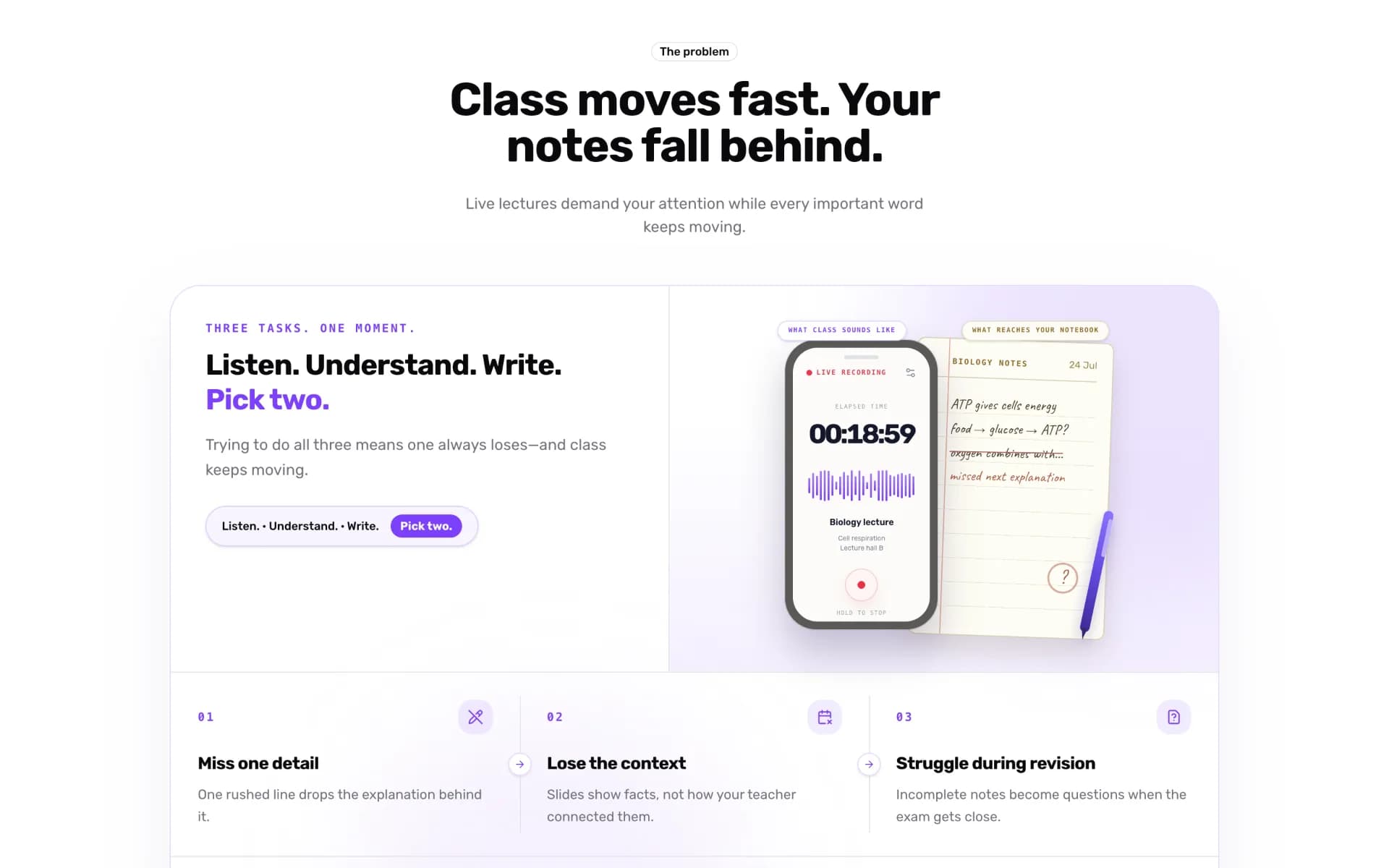
Note-taking apps are a crowded shelf, and “AI” on the label no longer impresses anyone. The launch had to make one idea land in a few seconds, in two languages, on a phone held up in a lecture hall.
- Explaining AI Without Jargon
- Voice-to-notes sounds like every other AI tool. The page had to show the finished notes, not describe the model behind them.
- Two Audiences, One Recording
- Teachers want one polished record of every lecture; students want to stay present and revise faster. The same page had to speak to both.
- Bangla Is Not a Toggle
- Bangla needs its own typeface, rhythm and copy. Machine-translating the English page would have read like a manual.
- A Phone in a Lecture Hall
- Most visitors arrive on a phone, so side-by-side desktop mockups and wide timelines had to be rethought for a narrow screen.
- Credibility Before Launch
- With no app-store reviews yet, the waitlist and organic discovery had to do the work that ads and ratings usually do.
- Delight Without Noise
- Motion and sound had to feel playful while respecting silent phones, muted tabs and reduced-motion settings.
“Your attention belongs in class. Note-taking should happen automatically.”
Project Overview
Notewinger listens to a class in person or online, transcribes it, and returns organised notes, with summaries, key terms and ready-made flashcards, minutes after the bell. The launch site is the first thing most teachers and students will see, so it carries the whole story: the problem, the product, who it is for and how to join.
The site lives in its own Turborepo workspace on the shared Nyntax packages for the design system, internationalisation and SEO, the same foundations behind ClassTablet. That let the launch move quickly without starting from zero.
Key Stakeholders
- Primary Users: Students who would rather listen than scribble
- Secondary Users: Teachers who want one polished record of every lecture
- Tertiary Audience: Search engines and AI answer engines that need to understand and cite the product
From Promise to Proof
Every section answers one question a sceptical student or teacher would ask, and shows the answer before it explains it.
Show, Don’t Tell
Show, Don’t Tell
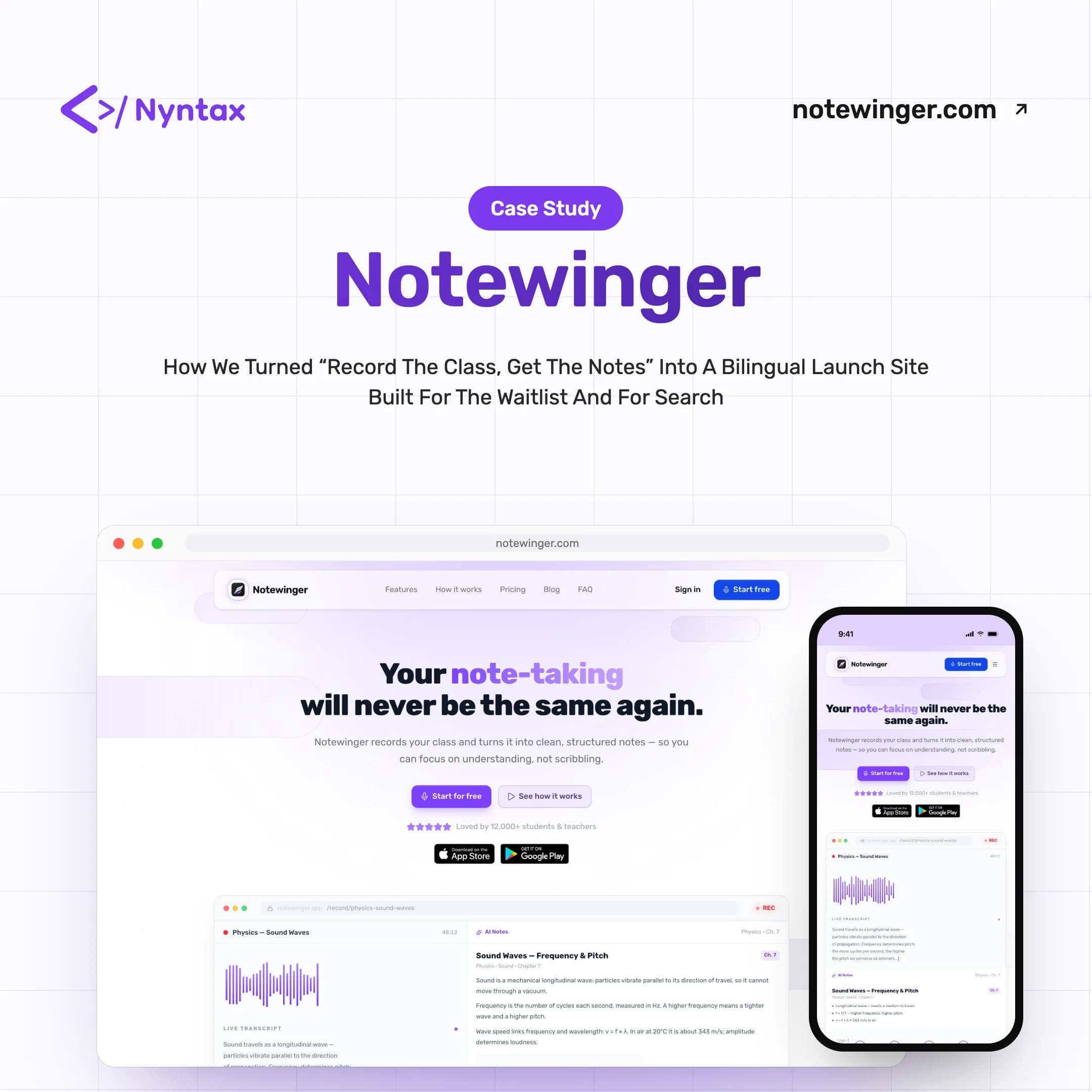
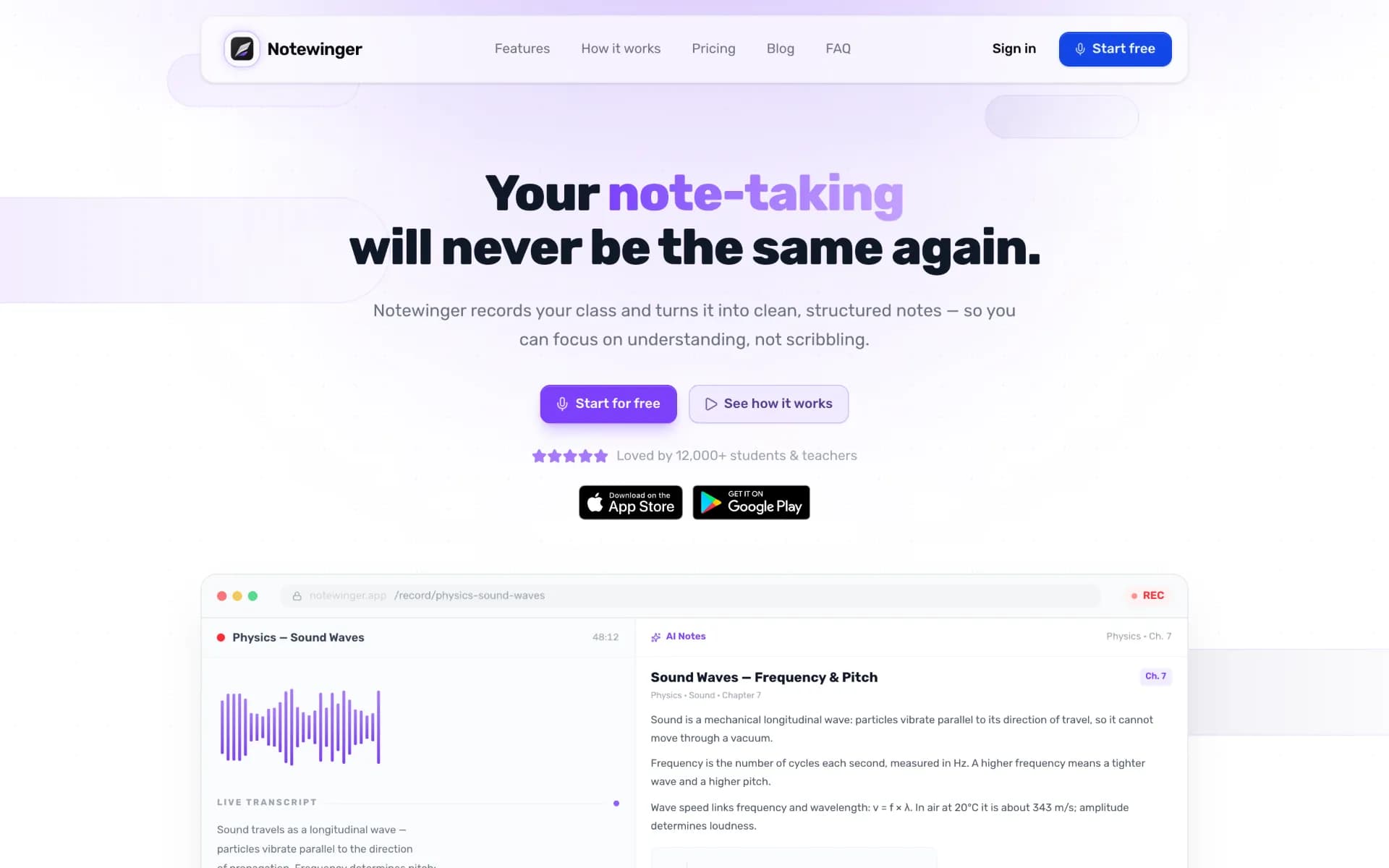
The hero is a working illustration of the product: a waveform and live transcript on one side, chapter-tagged notes with a figure on the other, and the export formats underneath.
- Live Transcript Demo
- AI Notes Panel
- Recording Timer
- Export Formats
A Walkthrough That Moves With You
A Walkthrough That Moves With You
On phones and tablets, “Record. Relax. Review.” becomes a serpentine path. An arrowhead travels a dotted track as you scroll, and on phones each step lands with a soft bell and a light tap.
- Serpentine Layout
- Scroll-Driven Arrow
- Sound & Haptic Cues
- Reduced-Motion Aware
Bangla With Its Own Voice
Bangla With Its Own Voice
The header, menu, footer and page copy were localised for bn-BD and set in Hind Siliguri, with Caveat for the handwritten notebook moments.
- Bilingual Routes
- Hind Siliguri for Bangla
- Handwritten Accents
- Rewritten, Not Translated
Built to Be Found, Built to Be Joined
Built to Be Found, Built to Be Joined
A validated waitlist that logs every sign-up to a sheet, confirms it by email and notifies the team, plus a blog with three launch guides and structured data that tells crawlers exactly what Notewinger is.
- Waitlist API
- Blog & Guides
- Structured Data
- SEO & AEO Roadmap
Technology Behind the Launch
A lean Next.js site on the shared Nyntax packages, with a small, validated waitlist API and monitoring from day one.
Frontend & Experience
Next.js
React
TypeScript
Tailwind CSS
Motion
Forms & Data
Zod
Google Sheets API
Platform & Operations
Turborepo
pnpm
Vercel
Sentry
Design System
Led by Notewinger Violet and Rubik, softened with lilac gradients, and paired with Hind Siliguri for Bangla and Caveat for the handwritten notebook. Calm enough to study with, bright enough to remember.
Color Palette
Brand Colors
Notewinger Violet
Primary
Primary buttons, highlighted words and the waveform
#7C40FArgb(124, 64, 250)Lilac
Gradient
Gradient stops and secondary accents
#A77AFCrgb(167, 122, 252)Lavender
Soft Accent
Glows, tags and decorative fills
#C9ACFFrgb(201, 172, 255)Supporting Colors
Deep Violet
Accent Text
Emphasis on light violet surfaces
#553B8Crgb(85, 59, 140)Mauve Grey
Text Secondary
Captions and supporting copy
#756F7Frgb(117, 111, 127)Mist
Surface
Panels, borders and quiet backgrounds
#EEEAF4rgb(238, 234, 244)Typography
Aa
Rubik
Latin UI & HeadingsYour note-taking will never be the same again.
অআ
Hind Siliguri
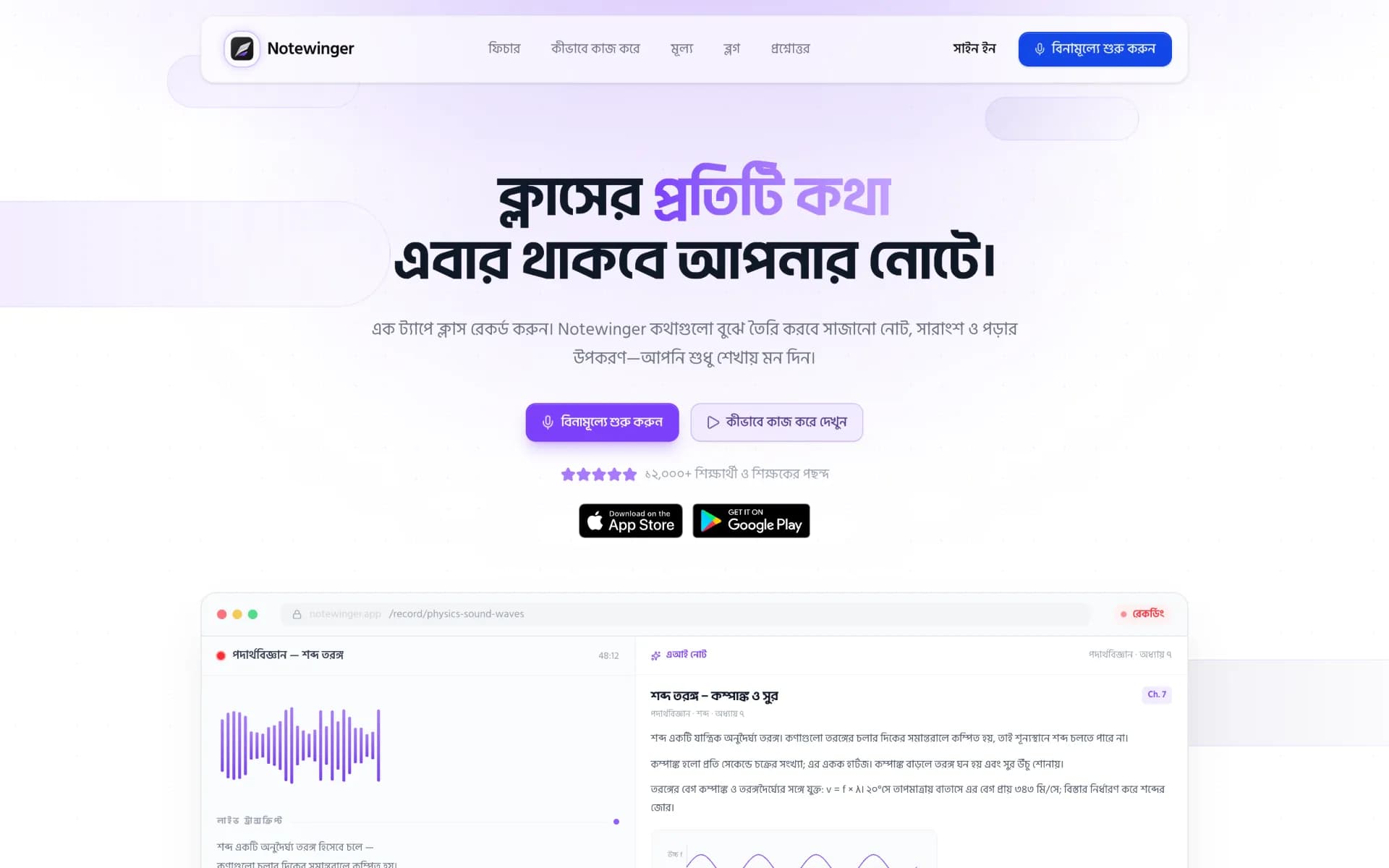
Bangla Textক্লাসের প্রতিটি কথা এবার থাকবে আপনার নোটে।
Aa
Caveat
Handwritten AccentsATP gives cells energy. food → glucose → ATP?
The Launch in Numbers
Small numbers, carefully chosen.
- 0
Languages, with Bangla written rather than translated
- 0
schema.org types describing the brand, site, app, FAQ and articles
- 0
Launch guides on the blog
- 0 ms
Haptic tap as each walkthrough step arrives on mobile
- 0.45 s
Soft sine-wave bell, synthesised in the browser
- 0
Commits from first sketch to sign-in launch
Counted from the Notewinger site codebase as of September 2026.
English, Then Bangla
The Bangla hero is rewritten, not translated, and set in its own typeface. Drag the slider to compare it with the English page.
Project Screenshots
A walk through the Notewinger launch site, from the hero demo to the waitlist and the blog. Click any image to view it full screen.
Landing Page
The Problem
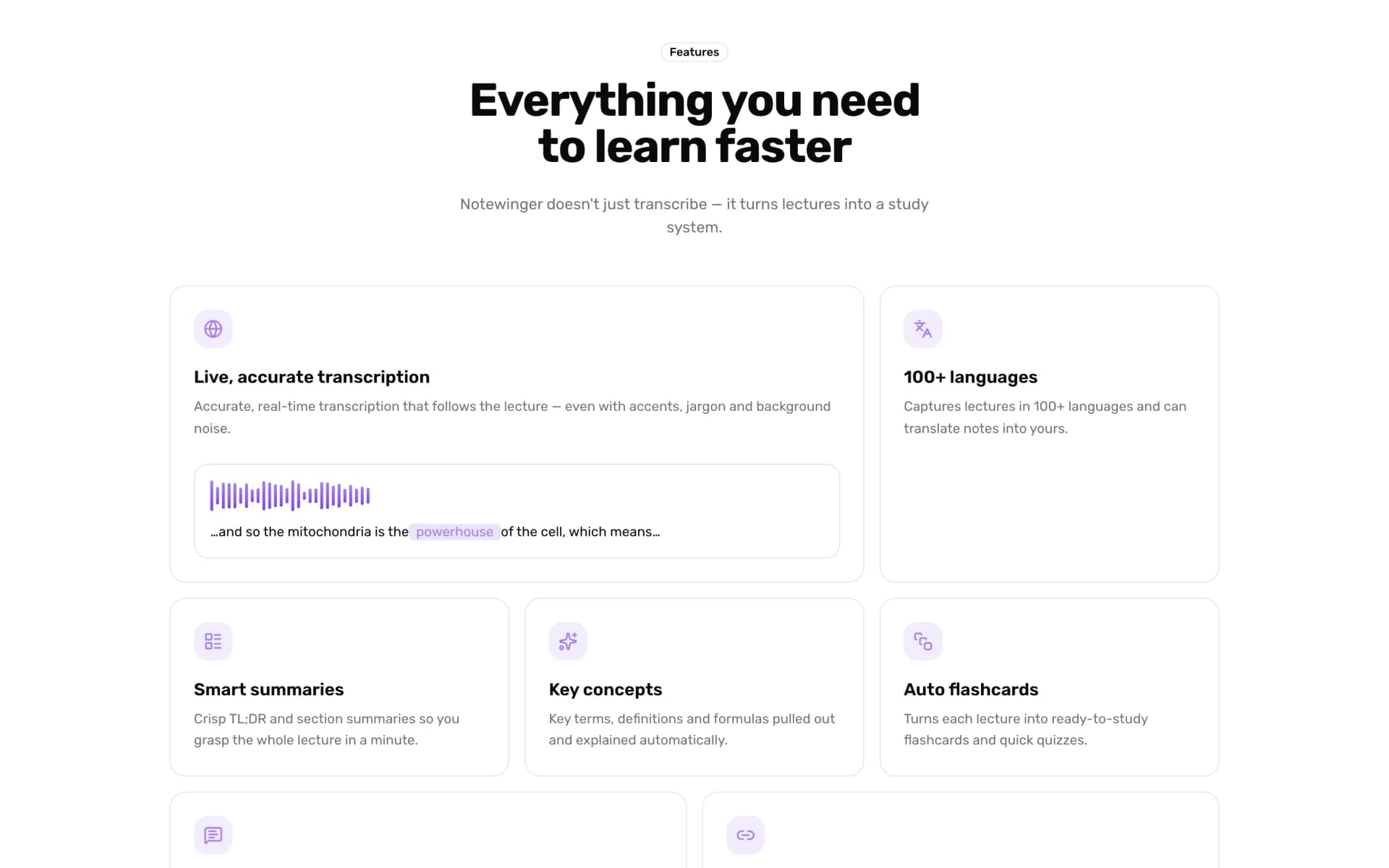
Features
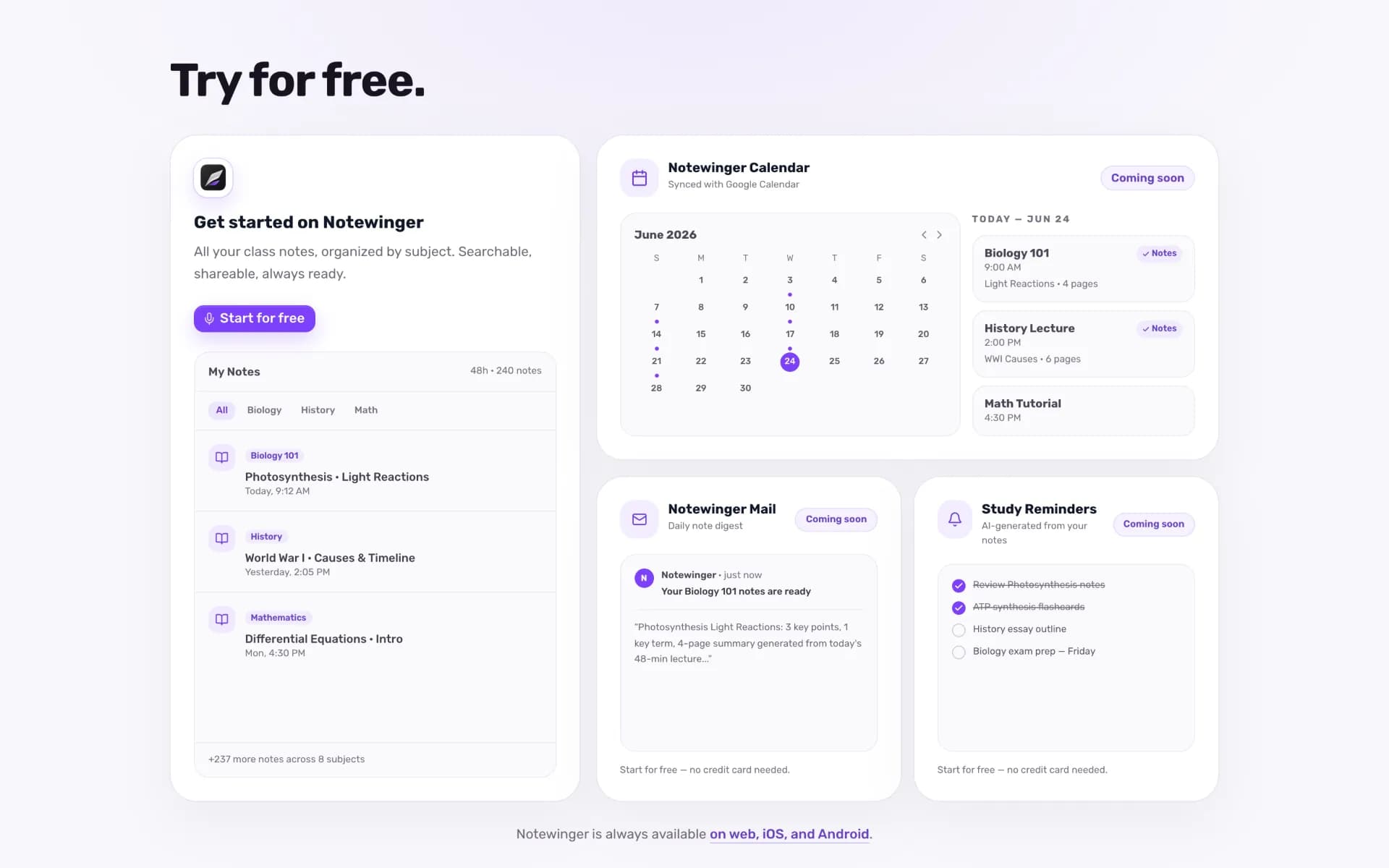
Try for Free
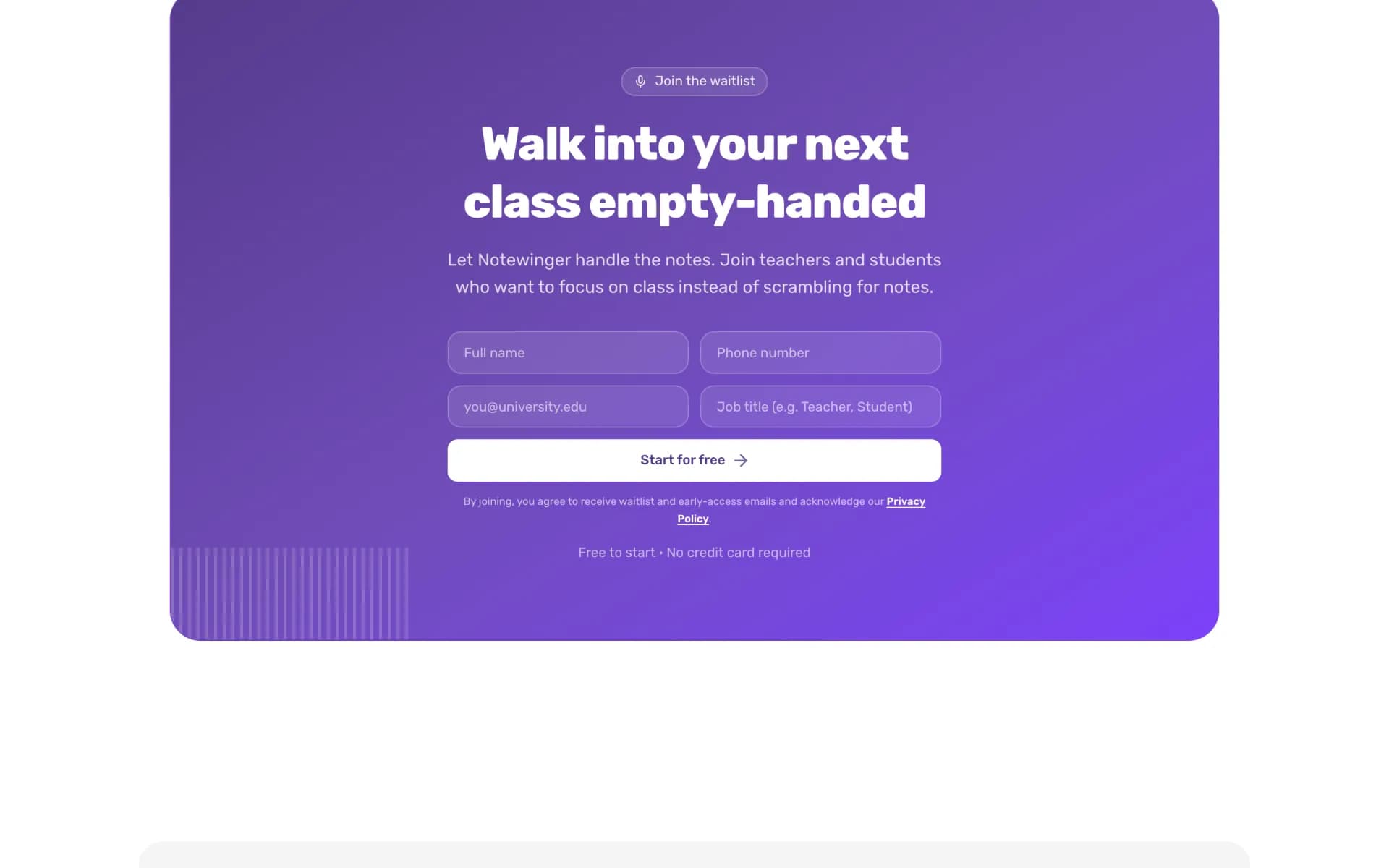
Waitlist
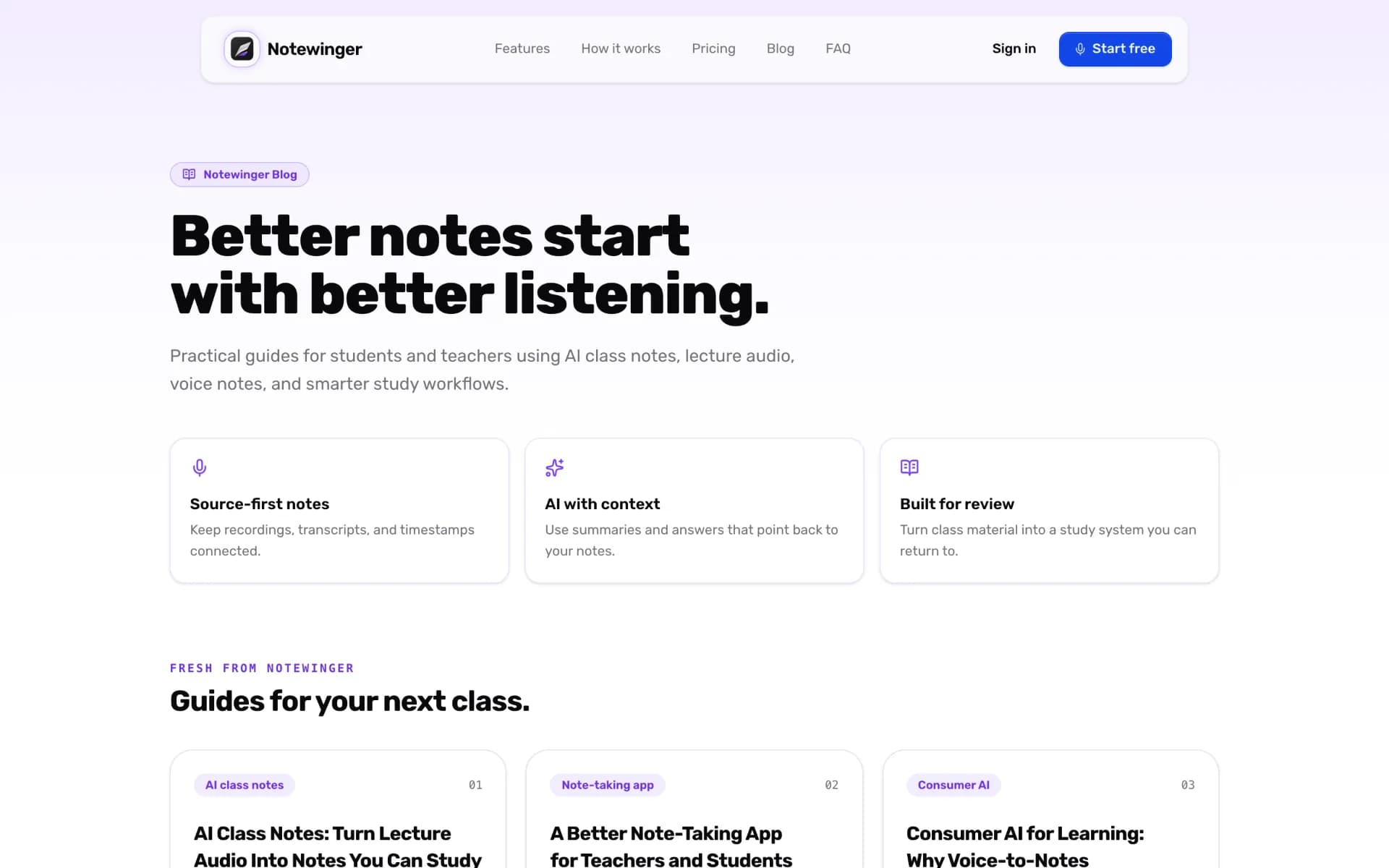
Blog
Technological Innovations
A Hero That Records
Instead of a screenshot, the hero is a live illustration of the product: sound comes in on the left, structured notes come out on the right, ready to export.
Serpentine Walkthrough
On narrow screens the three steps snake down the page, and an arrowhead follows the dotted track as you scroll.
Sound & Haptics, Politely
Each step on a phone arrives with a soft bell synthesised in the browser and a 10 ms tap. Muted visitors and reduced-motion settings get silence.
A Waitlist That Goes Somewhere
Every sign-up is validated, saved to a shared sheet, confirmed by email and announced to the team, with animated feedback in the form.
Written for Answer Engines
Structured data describes the organisation, the app, the FAQ and every article, so search engines and AI assistants can understand and cite Notewinger.
Timeline & Roadmap
Eleven weeks from first commit to a launch-ready site, and a search plan that picks up from there.
First Commit
Leading With Teachers
Waitlist, Badges & Bells
Blog, Legal & Search Plan
বাংলা
Ready for Sign-In
Next, From the SEO & AEO Plan
- Search Console and Bing verification with a measured baseline
- High-intent product pages for lecture recording and AI summaries
- Topical guides that build authority around studying with AI
- AI-answer readiness so assistants can cite Notewinger accurately
Conclusion
Notewinger’s launch site does one thing well: it makes “record the class, get the notes” feel obvious within a scroll. The product demo sits in the hero, the walkthrough moves under your thumb, and the Bangla page feels written for its readers rather than converted for them.
Because it sits on the same Nyntax packages as ClassTablet, a single specialist could take it from first commit to a bilingual, search-ready launch with a working waitlist, and the groundwork is already in place for the search plan that comes next.
Key Success Factors
- Showing the product instead of describing the AI
- Mobile-first layouts rather than shrunken desktop ones
- Motion and sound that respect user settings
- Treating Bangla as a first language, not a toggle
- Planning for search engines and AI answers from day one